A computerized sewing machine is a home sewing machine that uses electronic controls to help you choose and manage stitches, rather than relying only on mechanical dials and levers. You still guide the fabric, thread the machine, choose the needle, and control the project. The computer makes selected settings and convenience functions easier to access—not sewing skill unnecessary. The Sewing & Craft Alliance similarly describes computerized models as electronic-control machines whose features and suitability vary by model and intended sewing. Computerized Sewing Machines
For many everyday sewists, that means a screen or button panel, a wider choice of built-in stitches, adjustable speed, and functions such as needle-up/needle-down positioning or a one-step buttonhole. Exact features vary widely. For example, Brother’s CS7000X has an LCD display, adjustable speed control, 70 built-in stitches, and seven one-step buttonhole styles. Janome’s 3160QDC-G lists navigation keys, a start/stop button, a speed slider, a thread cutter, and memorized needle up/down. Brother CS7000X · Janome 3160QDC-G
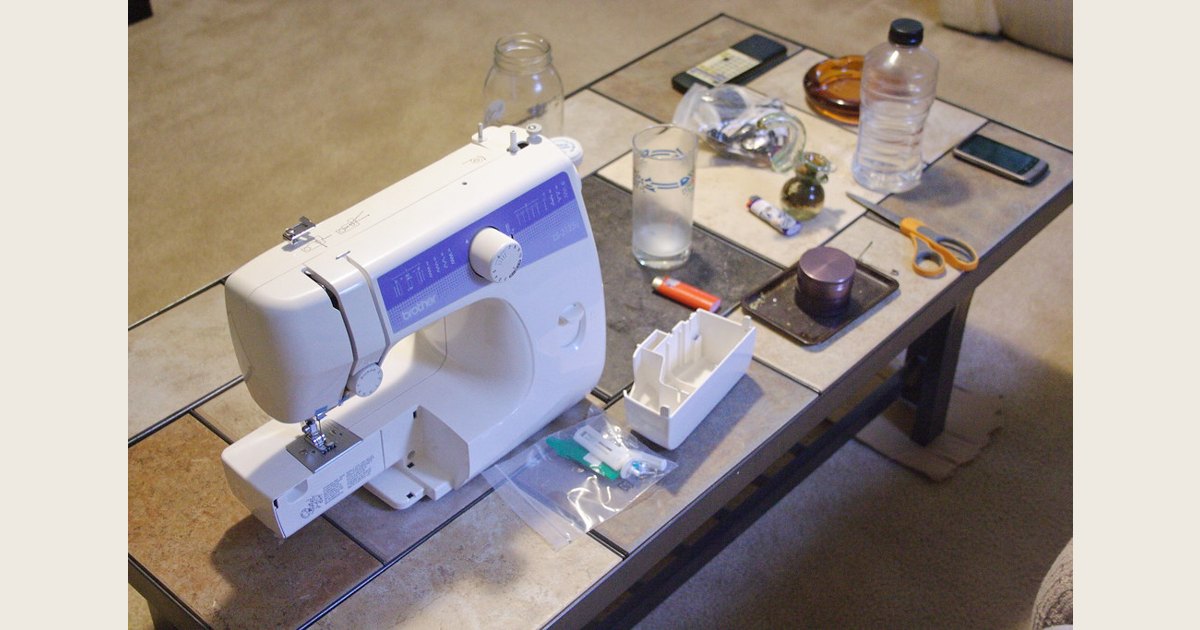
Hero image credit: Photo: sewing machine by eggrole; CC BY 2.0. Resized and padded. Illustrative stock photo; no product testing is implied.
Key takeaways
- A computerized model changes how you select and repeat settings; it does not eliminate the need to learn threading, fabric handling, or seam construction.
- A screen, speed control, and assisted buttonholes can be genuinely useful, but no single feature appears on every computerized machine.
- Mechanical models can still have helpful automatic functions, so compare the actual controls and included accessories—not the label alone.
- Buy for the projects you expect to sew and the controls you will comfortably use, not for the largest stitch count.
How a computerized sewing machine works
The stitch still depends on familiar sewing-machine parts: a needle carries upper thread through the fabric, the bobbin system forms the lower part of the stitch, and feed dogs move the fabric. If you would like a closer look at that mechanical side, see our guide to how a sewing machine works.
What changes is the interface between you and the machine. Instead of setting everything with knobs, you usually choose a stitch through buttons, a screen, or navigation keys. The machine then applies the settings available for that selection. Some models also let you set a maximum sewing speed, sew with a start/stop button instead of the foot controller, stop with the needle in a remembered position, or use a built-in cutter. Janome lists those functions on its 3160QDC-G product page. They are model-specific features, not a universal checklist. Janome 3160QDC-G
That interface is useful when you want to return to a stitch consistently or when a project calls for several stitches. It cannot compensate for a dull or unsuitable needle, incorrect threading, poor fabric preparation, or a seam that needs a different construction method.
Computerized vs. mechanical: the practical difference
The cleanest distinction is usually the primary control system, not the machine’s overall capability.
| Question | Computerized sewing machine | Mechanical sewing machine |
|---|---|---|
| How do you commonly choose stitches? | Buttons, a display, or electronic navigation | A physical dial or other manual control |
| What may be easier to manage? | Saved or displayed choices, speed limits, specialty functions | Direct, simple adjustment with fewer interface layers |
| Can it have automatic conveniences? | Yes, depending on the model | Yes, depending on the model |
| What should you compare? | Specific features, controls, service, and price | The same things—not just a lower stitch count |
A mechanical machine is not necessarily bare-bones. Brother’s XM2701, for instance, uses a dial to select from 27 built-in stitches but also lists automatic needle threading, automatic bobbin winding, and an auto-size one-step buttonhole. Brother XM2701 That is why “computerized” should not be treated as shorthand for “does everything automatically.”
A computerized model can be the better fit if you value a visual menu, want to cap speed while building confidence, or expect to use decorative stitches and buttonholes regularly. A mechanical model can be appealing if you prefer tactile, direct controls and want fewer menu-based choices. Neither category is inherently right for every sewer.
Features worth understanding before you shop
A long feature list is less helpful than knowing which functions change your own workflow.
Stitch selection and display
More built-in stitches can expand decorative, quilting, utility, and buttonhole options. But a large number includes variations you may never use. First make sure the machine has the straight stitch, zigzag, buttonhole approach, and any specialty stitches your projects actually require. A display can make a chosen stitch easier to identify; it does not make every stitch appropriate for every fabric.
Speed controls and start/stop sewing
An adjustable speed control lets you slow down around curves, corners, or buttonholes. That can be easier than trying to feather the foot controller. A start/stop button may suit some tasks or some users, but it is not a replacement for practicing fabric guidance. Brother and Janome both list adjustable speed controls on the cited models; Janome also lists a start/stop button. Brother CS7000X · Janome 3160QDC-G
Needle position, locking, and thread-cutting functions
A memorized needle-up/needle-down option can help you stop in a predictable position. That can make pivoting easier. Locking-stitch, reverse, and thread-cutter functions can also reduce small repetitive steps. They are conveniences, though: check whether the exact model has them and learn how its controls work before using them in a visible seam.
Workspace and accessories
Features beyond the screen may matter more than extra stitch icons. Brother’s CS7000X includes a free arm, a drop-feed mechanism, a detachable wide table, and 10 presser feet. Those are concrete project-oriented features: a free arm can help with narrow tubular items, a wide table can support larger pieces, and drop feed is relevant to some free-motion work. Brother CS7000X
Who should consider one—and who may not need one
A computerized sewing machine is often a sensible choice for a beginner who wants a visible stitch-selection system and a speed control, a garment sewer who will make buttonholes and change stitches frequently, or a quilter who values a larger table and project-specific accessories. It can also suit an experienced sewer who wants those functions without moving to an embroidery-focused machine.
It may be less compelling if you only need a dependable straight stitch and occasional zigzag, strongly prefer mechanical controls, or are stretching your budget for features that will not be used. Avoid buying around a single headline feature. A useful machine is one you can thread, operate, maintain, and obtain support for comfortably.
A computerized sewing machine also does not replace a serger. If you are deciding whether you need a separate machine for seam finishing, read what a serger sewing machine does—and does not do. Start with the projects you make now; add specialized equipment only when it solves a recurring problem.
How to compare models without getting lost in the specs
Use this short shopping checklist:
- Name three projects you plan to sew. Hemming pants, mending woven clothing, quilting, bags, and stretch garments can emphasize different needs. If hems are on your list, our step-by-step machine-hemming guide can help you identify the stitches and handling skills involved.
- Look at the exact controls. Can you readily find straight stitch, zigzag, reverse, buttonhole, and speed settings? A display is only beneficial if its navigation makes sense to you.
- Check the included feet and workspace. Buying necessary feet separately can change the value comparison. Consider whether you need a free arm, extension table, walking foot, or quilting accessories.
- Read the manual and support terms before purchase. Confirm the threading path, bobbin style, maintenance instructions, warranty, and where you would take the machine for service.
- Treat sticker price as a starting point, not a tier. On September 22, 2026, Brother displayed the CS7000X at $279.99. Janome listed the 3160QDC-G at $1,099 and directed shoppers to dealers for pricing. The models have different features and sales arrangements. Their prices alone cannot tell you which one better fits your needs. Brother CS7000X · Janome 3160QDC-G
Set it up for a useful first test
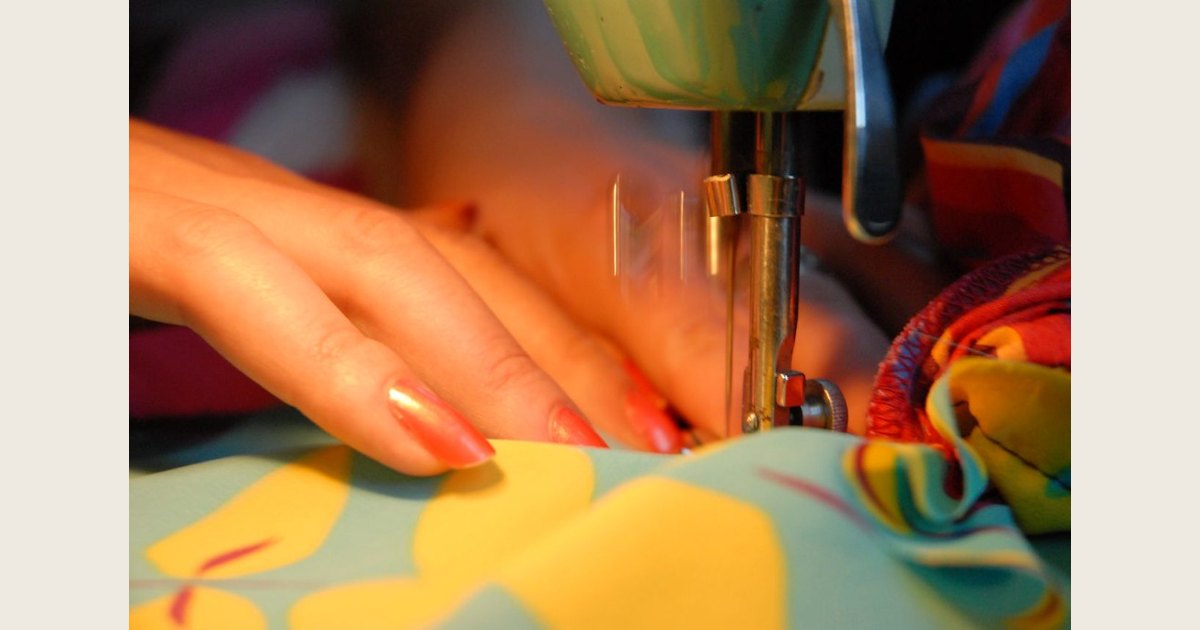
When the machine arrives, resist the urge to judge it from its first threaded seam. Use the manual for that model and make a short test on a fabric scrap that resembles your planned project.
- Install a fresh, suitable needle and use thread appropriate to the fabric.
- Follow the model’s threading diagrams and bobbin-loading instructions exactly. The Brother CS7000X, for example, includes threading diagrams and a Quick-set bobbin system, but your own machine may use a different sequence. Brother CS7000X
- Test a straight stitch and zigzag first. Then try the speed control, reverse or locking stitch, and buttonhole function only after you know where the controls are.
- Write down the stitch, fabric, needle, and thread combination that works. A small test swatch is more useful than relying on memory later.
If the machine bunches thread, skips stitches, or produces an unexpected result, stop and consult the manual before changing several settings at once. Recheck the threading path, bobbin installation, needle condition, and selected stitch one at a time. For a broader diagnostic sequence, see why sewing machines jam and how to fix common causes. Do not force fabric through the machine or use a setting that the model manual does not support.
Frequently asked questions
Is a computerized sewing machine easier for beginners?
It can be easier to navigate if the display, speed control, and clear stitch labels match how you learn. It still requires practice with fabric handling, seam allowances, needle choice, and threading. A beginner should prioritize a machine whose basic controls are understandable over one with the longest feature list.
Do I need dozens of stitches?
Not necessarily. Many projects rely mostly on straight stitch, zigzag, and a suitable buttonhole. Decorative or specialty stitches are valuable when you have a real use for them. Compare stitch categories and buttonhole options rather than assuming 70 stitches will be three times as useful as 27.
Can a computerized model sew every material and project?
No. Fabric, needle, thread, presser foot, project construction, and the machine’s stated limits still matter. A computerized machine can make certain controls more convenient; it cannot turn a lightweight household model into a specialized industrial machine or make one setup suitable for every job.
The best computerized sewing machine is therefore not the one with the most buttons. It is the one whose controls, accessories, and support make your next project easier to start—and easier to finish well.